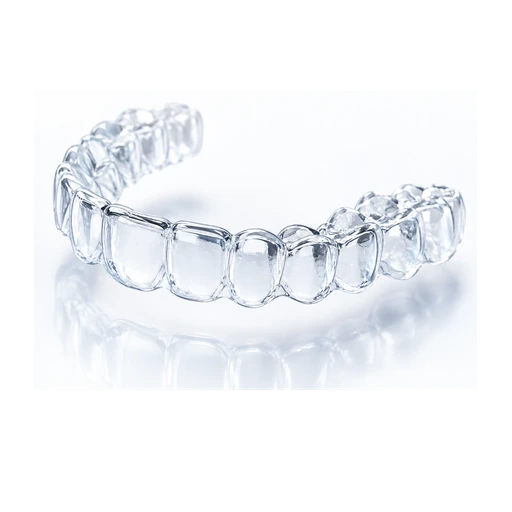
uLab and In-Office Clear Aligners
Understand uLab-style in-office aligner workflows, orthodontist control, digital planning and when in-office aligners may be considered.
Quick answer
uLab and In-Office Clear Aligners should be judged as a treatment-planning question, not just a product question. The useful comparison is whether the system, doctor workflow, monitoring, attachments, refinements and retention plan fit the bite problem and the patient’s ability to wear trays consistently.
How to judge uLab and In-Office Clear Aligners in a treatment proposal
uLab and In-Office Clear Aligners should be compared through diagnosis, planning control, material/workflow features, attachment options, refinement policy and retention planning. A brand can be excellent for one workflow and still be the wrong answer for a particular case.
Maple Ridge and Pitt Meadows patients should ask why a brand is being recommended for their movement pattern, not whether the name sounds familiar.
What to clarify
- Who controls the treatment setup
- How refinements are requested and approved
- Whether attachments, elastics or bite ramps are supported
- How emergencies and poor tracking are handled
- Whether retainers are included or separate
How brand comparison should work locally
A Maple Ridge or Pitt Meadows patient may hear about Invisalign first, then see Spark, ClearCorrect, Angel Aligner, SureSmile or uLab-style workflows online. The local question is whether the office can explain why a system fits the case and how it will be monitored nearby.
Brand awareness is helpful, but local follow-through matters more when attachments break, trays stop tracking, refinements are needed or retainers must be replaced.
Local planning checklist
- Ask which systems the office actually uses and why.
- Compare doctor workflow, not advertising claims.
- Confirm how quickly fit problems can be checked in Maple Ridge.
- Make sure the retainer plan is local and practical.
Questions to ask about uLab and in-office clear aligners
- Why would this brand or workflow fit my case?
- What would make you choose a different aligner system?
- Who reviews the 3D setup before trays are ordered?
- How are refinements handled if movement is incomplete?
- What retainer is planned after active treatment?
Brand names are only one layer of the decision
Invisalign, Spark, ClearCorrect, Angel Aligner, SureSmile and uLab-style workflows all need records, diagnosis, staging, monitoring and retainers. The meaningful difference is how the treating office uses the system for your specific movements.
For many patients, the supervision model and refinement pathway matter more than the logo on the tray box.
What the brand recommendation should document
The recommendation should explain why the brand or workflow fits the case, what alternatives were considered, what movements are difficult and how refinement or retainer decisions will be made.
That turns a brand comparison into an actual treatment decision.
Brand comparison note
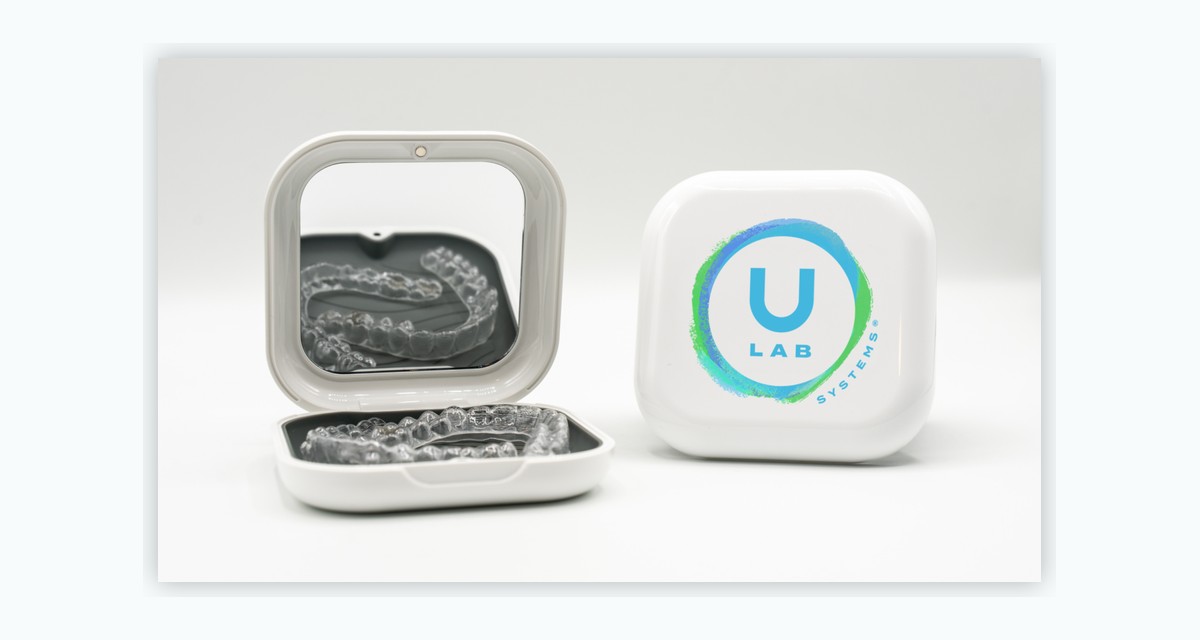
uLab-style aligner workflows are best explained as orthodontist-controlled digital planning options, not mail-order treatment.
This site does not rank brands as universally best. It explains what patients should ask before choosing any aligner system.
Related clear aligner guides
Common questions
Which clear aligner brand is best?
There is no single best brand for every patient. The right choice depends on the diagnosis, movement goals, doctor workflow, monitoring and retainer plan.
Does the plastic material decide the result?
Material matters, but it does not replace diagnosis, attachments, staging, compliance, refinements and retention.
Can I ask for a specific aligner brand?
Yes, but it is more useful to ask why a brand or workflow fits your case and what alternatives were considered.
Find out whether clear aligners fit your case.
Bring the questions from this guide to a specialist orthodontic assessment. The goal is not just to choose a tray brand; it is to choose the right treatment plan.